Sandcastle on Steam Deck
Cozy sand sculpting with mouse-only support and portable pacing tips.
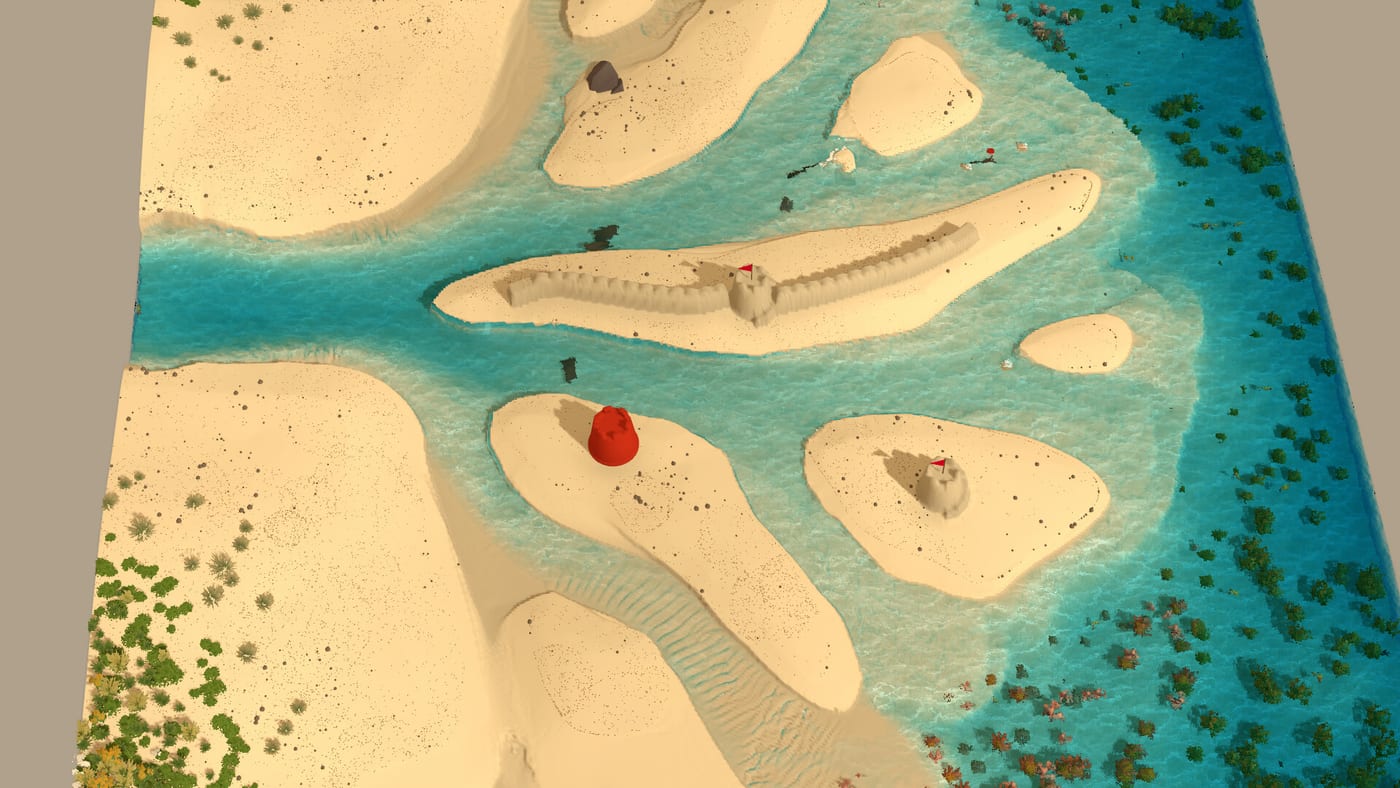
Steam Deck in official listings
Sandcastle and its August 2026 demo list Steam Deck support alongside Windows, macOS, and Linux on Steam. Bubblebird Studio and publisher Future Friends Games market a single-player cozy sandbox—no multiplayer chat, no combat timers—well suited to handheld sessions. Steam also documents a mouse-only control option valuable on Deck when you prefer trackpad or external mouse over chorded bindings.
This guide covers comfortable Deck play without inventing frame-rate numbers or unverified graphics presets. Simulation behavior should match desktop; thermal and battery realities differ.
Install and first launch
Install the Sandcastle Demo (app 4894830) or wishlist the full game (3216520, TBA) via steps on Demo Download. First launch:
- Skim Controls for input philosophy—bindings appear in-game per tool
- Read How to Play for session rhythm
- Start on Base Beach before Barrier Beach fetch intensity
Offline rules follow Steam client policy; download while online before travel.
Mouse-only cozy pacing
Mouse-only mode targets relaxed sculpting without keyboard gymnastics. On Deck:
- Use trackpad precision for Carving Tools detail passes
- Consider a small USB mouse for long sessions if trackpad fatigue appears
- Raise camera slowly when hunting Starfish Collectibles—small objects blur at default zoom
Sandcastle has no fail state—stop when comfortable rather than forcing Barrier moats in a overheating lap.
Performance caution (no invented benchmarks)
Reactive water and active erosion increase visual churn near surf. If your Deck feels sluggish during surge:
- Simplify nearby moat geometry temporarily—physics fidelity remains, visual load drops
- Avoid stacking massive decor (Decorate Guide) at the waterline during observation
- Pause mid-tide if fan noise spikes; resume during calm retreat phases
- Compare desktop behavior before blaming bugs—report reproducible issues with beach name on Discord from Wiki Links
We do not publish FPS targets Bubblebird has not documented. System Requirements lists hardware guidance at wiki writing time.
Session length and battery
Cozy pacing favors 30–45 minute arcs: one Base tide cycle, one starfish lap (Find Collectibles), optional Decorate Guide pass. Long photography nights drain battery faster when Daylight Cycle lighting shifts across phases—plan charger access for extended Barrier study.
Readable UI and checklist tools
The embedded Tide Defense Checklist remains usable on Deck—run audits before high tide on Barrier. Foundation Tools packing benefits from zoomed camera heights when judging wet bands.
Physics parity
Sand Physics, Moisture and Stability, and Tide Erosion should behave like desktop builds. If walls fail differently, verify demo version against Demo Launch Update patch notes before assuming Deck-specific bugs.
Customization and future content
Beach Customization menus unlocked via starfish should work on Deck. Full-game layouts (Lagoon Beach, Sandbar Beach, etc.) arrive TBA—compare Demo vs Full Game before expecting lagoon footage on handheld.
Announced Creatures may add ambient motion later—observe without claiming confirmed demo spawns.
Accessibility alignment
No hostile NPCs, no score pressure, mouse-only option—Deck players seeking calm sand play fit Sandcastle’s pitch. Pair with podcasts; tides wait patiently.
Related guides
- Building Tips for session pacing
- Protect From the Tide before Barrier on handheld
- Sandcastle Review for demo impressions including Deck context
Updates
Deck-specific fixes may appear in Steam news without wiki articles—follow Updates Hub for milestones.
Closing synthesis
Steam Deck Sandcastle is portable cozy engineering—mouse-only friendly, physics faithful, best enjoyed in short tide-aligned sessions with realistic performance expectations and no invented benchmark claims.
Frequently Asked Questions
Quick answers drawn from the same systems covered above.
Is Sandcastle verified for Steam Deck?
Steam lists Steam Deck support for the demo and main game listing. Verify badge text on the store page for your region.
Does mouse-only work on Deck?
Steam advertises mouse-only options. Use trackpad or external mouse per comfort.
What FPS should I expect?
Bubblebird has not published Deck FPS targets. Reduce moat visual complexity if sessions feel sluggish.
Can I play the demo offline on Deck?
Steam offline rules apply after initial download and login per client settings.
Which beach should Deck players start on?
Base Beach for learning, then Barrier once tide defense basics stick.