Download the Sandcastle Demo
Install the free August 2026 Steam demo on PC and Steam Deck.
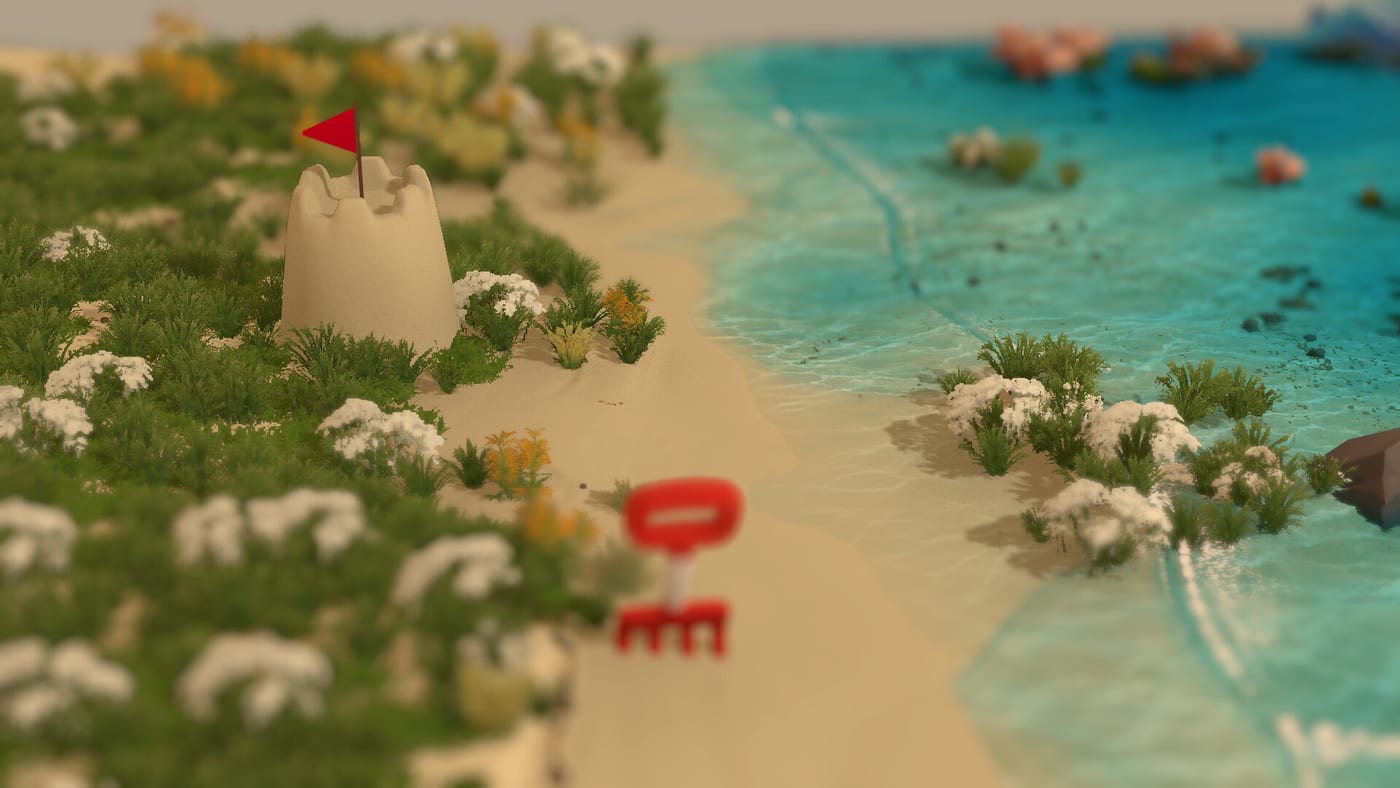
Where to download
The Sandcastle Demo (Steam app 4894830) is free on Steam. Search “Sandcastle Demo” in the store or open the demo page linked from the main Sandcastle listing (app 3216520). The demo launched August 6, 2026; the full game listing remains To be announced and is not playable as a paid release yet.
After install, launch from your Steam library. First boot drops you on a tropical shore with tools unlocked gradually through play. For a gentle onboarding path, read How to Play before you raise your first wall.
Platform support
Steam lists the demo for Windows, macOS, Linux, and Steam Deck. Verified Deck status may update over time; if touch controls feel tight, switch to mouse-style input where supported. Sandcastle is single-player only—there are no shared sessions or multiplayer modes in the demo or announced for the full game.
Compare expected performance on your hardware using System Requirements. The simulation focuses on sand moisture, pressure, and flowing water rather than large open-world streaming, but dense moats and tall towers still cost CPU time.
Install tips
Allow Steam to finish shader or first-run caching before judging frame pacing. Close overlay-heavy background apps on low-end laptops. If downloads stall, verify disk space—demos still unpack local assets for beaches, tools, and audio.
Once installed, visit Demo vs Full Game so you know which beaches and customization options are demo-limited. Base and Barrier are fully playable; lagoon, island, delta, and atoll layouts appear on the full-game roadmap only.
What you get in the download
The demo includes core building tools, tide cycles, collectible starfish, shore treasures, and two beach layouts. You can experiment with Sand Physics, Moisture and Stability, and Tide Erosion without owning the full title. Embellish castles with driftwood and shells per Shore Treasures.
Official channels for patch news: the Wiki Links Hub lists Steam, the developer site, and Discord. Demo-specific notes land in Demo Launch Update.
After install
Skim Controls for input options—the game shows contextual prompts rather than a rigid preset list. Plan your first defense with Protect From the Tide and the Tide Defense Checklist tool page.
First-hour checklist
After the demo installs, spend ten minutes on camera comfort before building tall. Pan along the tideline on Base Beach and note where wet sand gleams—that band is your structural pantry. Raise one low wall, then stop and watch a partial tide if time is short. Only after that test should you open Carve Moats and cut a channel with a visible exit.
If frame time dips on Steam Deck, lower resolution before blaming tools. Dense moats cost more than idle walking for Find Collectibles. Steam cloud saves, if enabled, follow your Steam account; back up wishlist notes separately because full-game transfer is unconfirmed.
Troubleshooting installs
Verify you opened Sandcastle Demo (4894830), not only the main TBA listing. Library filters sometimes hide demos under “Tools” or “Demos” collections. macOS users should grant Steam file access if downloads stall mid-verify. Linux players on Proton should prefer native builds when Steam offers them to keep mouse-only latency predictable for fine carving.
Family and shared PCs
Steam family sharing rules apply to demos like other titles. Each profile needs its own install or shared-library eligibility per Valve policies.
Disk hygiene
Uninstall older demos before judging Sandcastle disk IO if your drive is nearly full—shader caches compete for space during first boot.
Antivirus false positives
Rare AV heuristics flag new Steam demos during launch week. Verify file paths under Steam library folders before quarantining.
Controller versus mouse day one
Try mouse-only first session for precision, then experiment with controller on Deck later—establishes baseline muscle memory.
Frequently Asked Questions
Quick answers drawn from the same systems covered above.
Is the Sandcastle demo free?
Yes. The Steam demo is a separate free listing (app 4894830) and does not require owning the upcoming full game.
Which store page should I wishlist?
Wishlist the main Sandcastle app (3216520) for full-game notifications. Install the demo app (4894830) to play now.
Does the demo work on Steam Deck?
Steam lists Steam Deck compatibility. Use in-game control prompts to tune mouse-style or touch-style input on Deck.
How large is the demo download?
Steam shows the install size on the demo store page. Size may grow slightly with post-launch patches.
Can I stream or record the demo?
Yes for personal use. Check Steam and Future Friends Games social posts for any sponsored stream guidelines.